
How Do I Keep Your Wedding Footage Safe?

If you are hiring a Wedding Videographer, ask if they have a data backup system.
I do.
When you hire an Ontario Wedding Videographer you want someone that will have a system in place to keep your footage and memories recorded of your wedding day safe, and backed up. So that the chance of data loss is minimal to none.
In this journal post I want to share with you how I keep your footage safe for a near 0% chance of loss. I take this part serious and have invested a lot to ensure we don’t have any issues from recording in camera to editing and storing.
It doesn’t matter how amazing your wedding day was or that super cute shot we got of you both, if the footage wasn’t saved properly and stored on safe hard drives there might not be anything left if catastrophe strikes. And it can happen.
I will begin this post with a scary story that I had with a portable drive I use. Just last week I finished a wedding edit on my mobile drive in the evening. Finished everything, exported their final film and went to bed. Then the next morning I plugged it in and…
Nothing.
The drive would not connect. Wouldn’t do anything. It was gone. I lost everything on that drive including the wedding I just completed and all of their footage.
Just like that my drive died randomly. Without notice. Which is exactly how drives fail. Without any notice.
But don’t worry I didn’t lose their wedding or the footage. It was backed up 4 times, once in the cloud, 2 times on my NAS and once on a standard drive.
My point is that this can happen. I plan on it happening. Technology can do this and you just never know when.
Weddings are special moments. My work is special. Everything we do together on the wedding day is special and cannot be reshot so it is my top priority to make sure I give us the best chance of never having data loss.
How Do I Ensure No Loss on the Wedding Day?
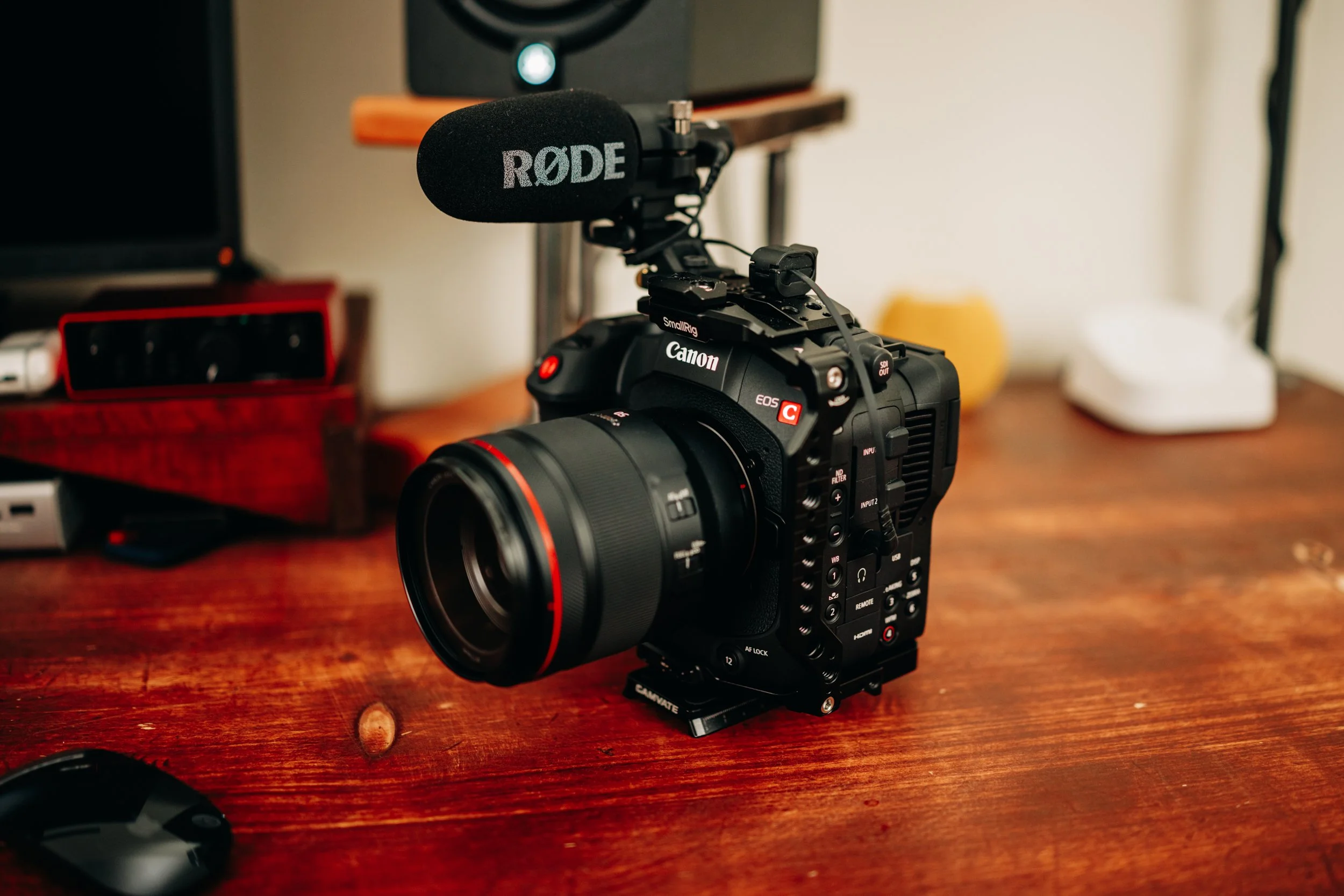
The cameras I use are professional Canon Cinema cameras that allow me to record to 2 cards at once. This means that if I have a card fail in the field while I am recording your wedding day events, I am making 2 copies at all times. Many videographers don’t do this because their cameras can’t do that for video, but also because it is expensive to have twice as many cards for “just in case”. I always plan for just in case. Each card is about 500$ each, which means a pair is 1000$ and each camera has 3 pairs. I bring and use 3 cameras on the wedding day, so you can see this investment adds up. It is worth it.
This is the first step to ensuring the wedding day footage when recorded is saved the best possible way. Data loss can fail in the field, it is possible and has to be reality. By using professional cameras I trust, memory cards from trusted manufacturers, recording to 2 at once AND finally changing out cards at certain times of the day, I can help minimize that loss.
Backup Plan in the Studio
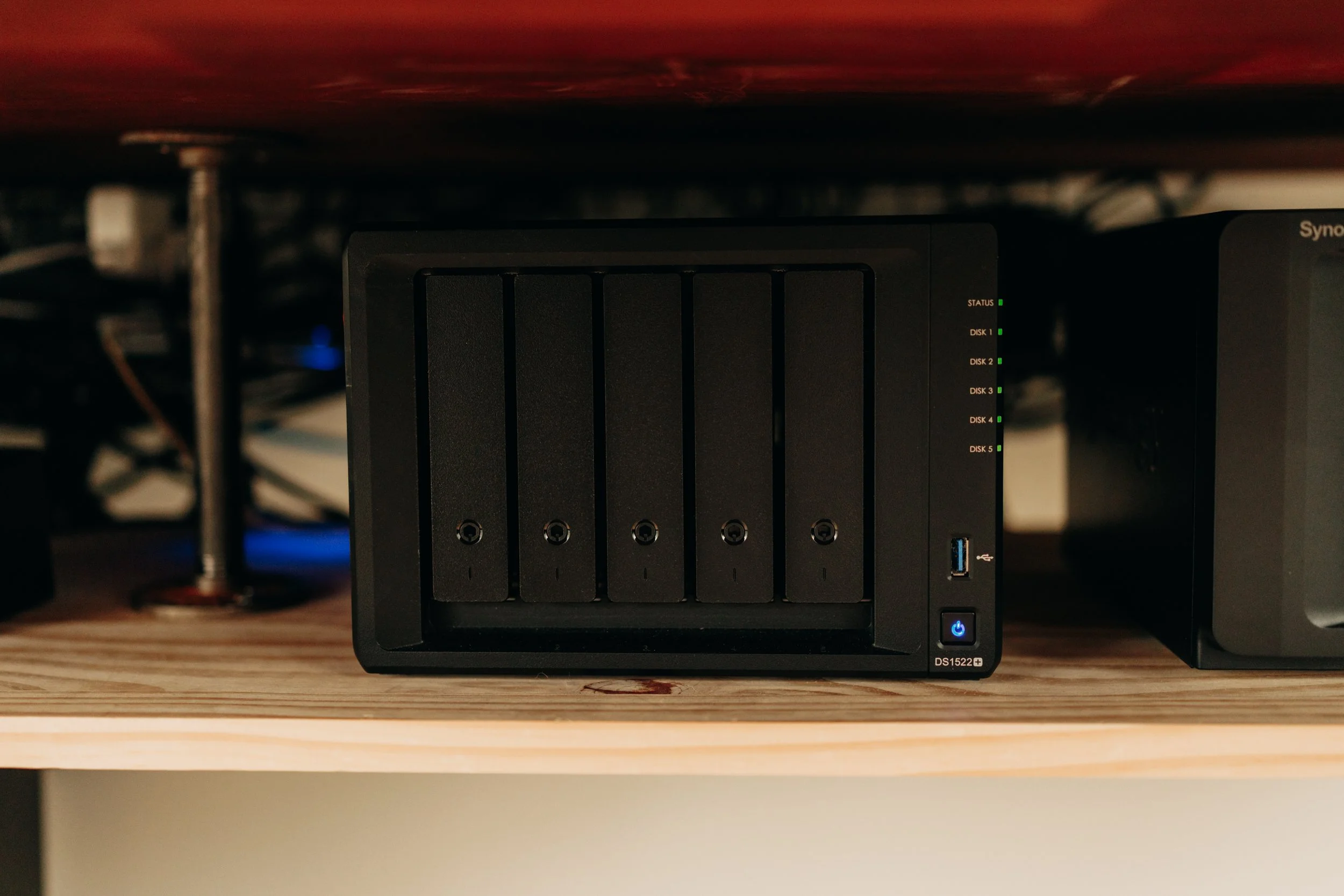
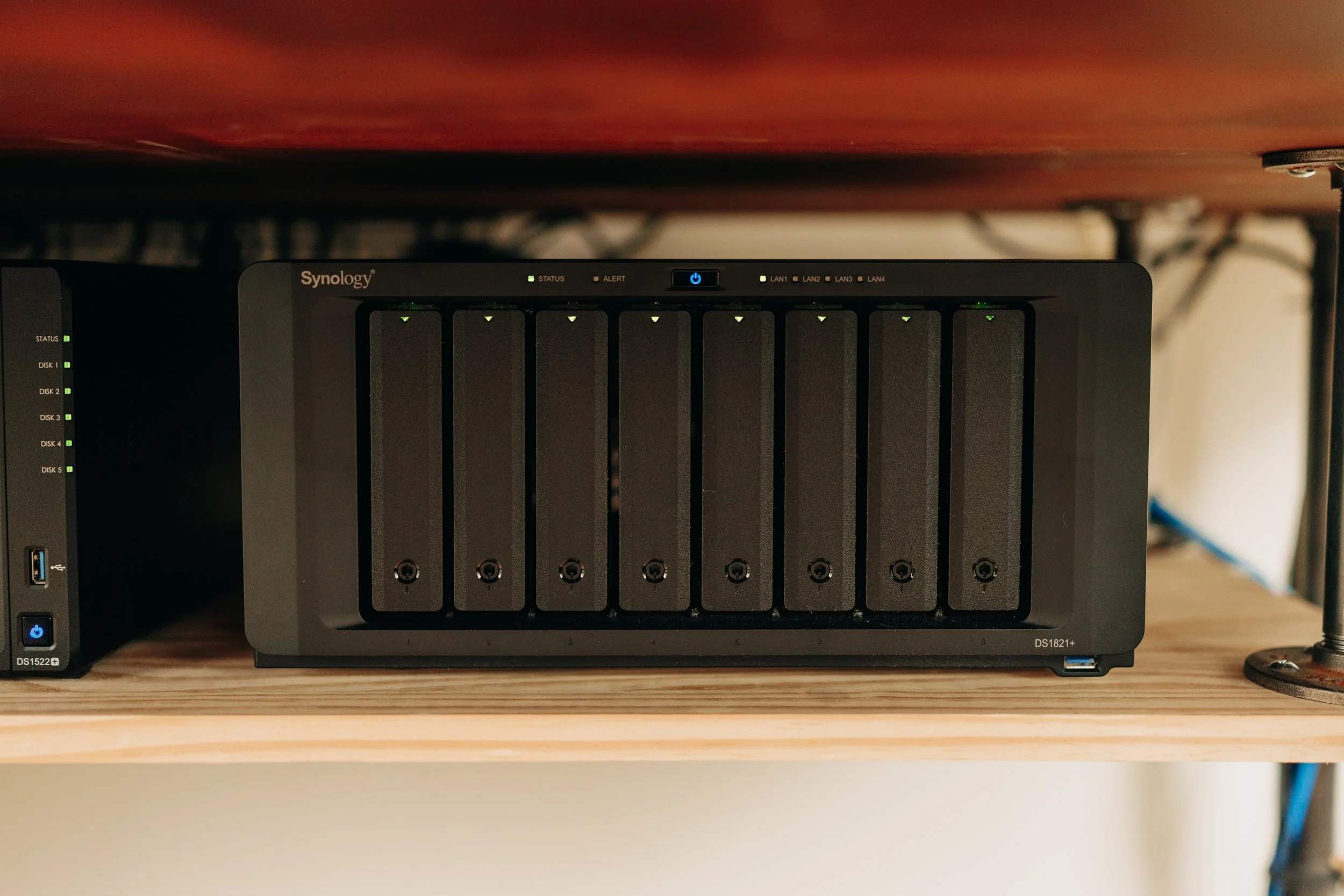
Back in the studio I have 2 drives that are network attached storage from Synology. The leading name in NAS storage and a tried and true operating system for backups.
These boxes are hard drives that have their own computer and operating system. They analyze the drives for fault and failure all the time and will tell me if they are about to fail. These boxes also allow for 2 drives to fail amongst the 8 total that make up the data pool. This is where your footage lives for safe keeping locally while I work on your wedding film edit. The data is spread across 8 drives all working together, and if one fails, the box will tell me before it does, and I am able to take it out and replace it.
On a traditional operators setup, they might have your footage stored on 1 hard drive or SSD maybe backed up to another. This means that all your memories are stored on 2 drives. If one of those fails, they are left with 1 working drive. In theory this is fine you think, there is another one to copy of to a new drive. Well what if in that transfer to duplicate another backup that drive fails?
Everything is lost.
Having 2 Synology boxes, with 13 drives through out them both, and 4 possible drive failures at once makes for a near chance of no loss. Plus the boxes are “smart” always analyzing the drives for issues.
After the NAS drives, I then have a 3rd drive that is a basic drive for duplicating everything as a just in case outside of the Synology system.
Backing Up While Working on Your Wedding Film
This is another important point for keeping your wedding footage safe. While I am working on your wedding film by editing it, the NAS drive is constantly making “versions” of files from daily, to weekly and monthly versions. So if I need to go back in time, or accidentally delete a file, it will be there. Traditional backup solutions don’t do this. If the operator deletes a file by mistake, it’s gone. And I have seen those posts before. Sadly a photographer thought they had the files somewhere, but they didn’t and all photos gone forever.

To The Cloud and 3 Month Safety
My last effort to have near 0% chance of loss of data for you if you choose me as your Wedding Videographer, is to have a backup of your footage in the cloud. It sounds simple, since we all use Google Drive or iCloud to store stuff from our phones or files on our computers.
But with professional video files they are large and so a cloud plan specifically for TB’s of footage is an added cost I include to make sure we have an offsite backup of your footage. This means that if my home studio ever has issues of environmental or theft, or my 3 drives locally decide to all die at once..I have your footage in the cloud to download.
This is another way I want to bring value to your as your Ontario Wedding Videographer to make sure you have the care and plan in place for your special day.
I keep your files for 3 months after the final film is delivered officially. But I do have payment options to keep all of your files in the cloud past this time if you decide to. I never delete footage and keep them on a local archive.
Ok this one was a big long and technical. I hope you can see how serious I take data backup and how much I have invested personally to ensure your footage is safe when you work with me. This is an important topic for when you hire your Ontario Wedding Videographer and something to consider.
Thanks for reading if you made it this far! Take care and have a super day!
Daniel